Grade Export
All Reviews Must Be Complete
Grade export is blocked as long as submissions with status pending_review or partially_reviewed exist. Complete all reviews in the Review tab first.
The grade export creates a finished grade list in three formats: as a CSV for Excel, as a Moodle reimport CSV, or as a print-ready PDF. Route: Grade Export tab in /auswertungen/:examId/submissions.
Grading Model
Preset Schemas
ExamCraft AI includes eight preset grading schemas:
| Schema | Range | Note |
|---|---|---|
| Swiss 1.0–6.0 | 1.0 (fail) – 6.0 (excellent) | Standard Swiss grading scale |
| German 1.0–5.0 | 1.0 (excellent) – 5.0 (fail) | Inverted scale |
| Austrian 1–5 | 1 (excellent) – 5 (insufficient) | Integer values |
| French 0–20 | 0–20 points | French system |
| Dutch 1–10 | 1–10 | Dutch system |
| ECTS A–F | A–F + FX | European Transfer System |
| Percent | 0–100 % | Direct percentage display |
| Pass/Fail | Pass / Fail | Binary |
Custom Schemas
Institutions with Enterprise tier can define custom schemas under /admin/grading-schemes and set them as the institutional default. Further details: Grading Schemas (Admin Guide).
Choosing an Export Format
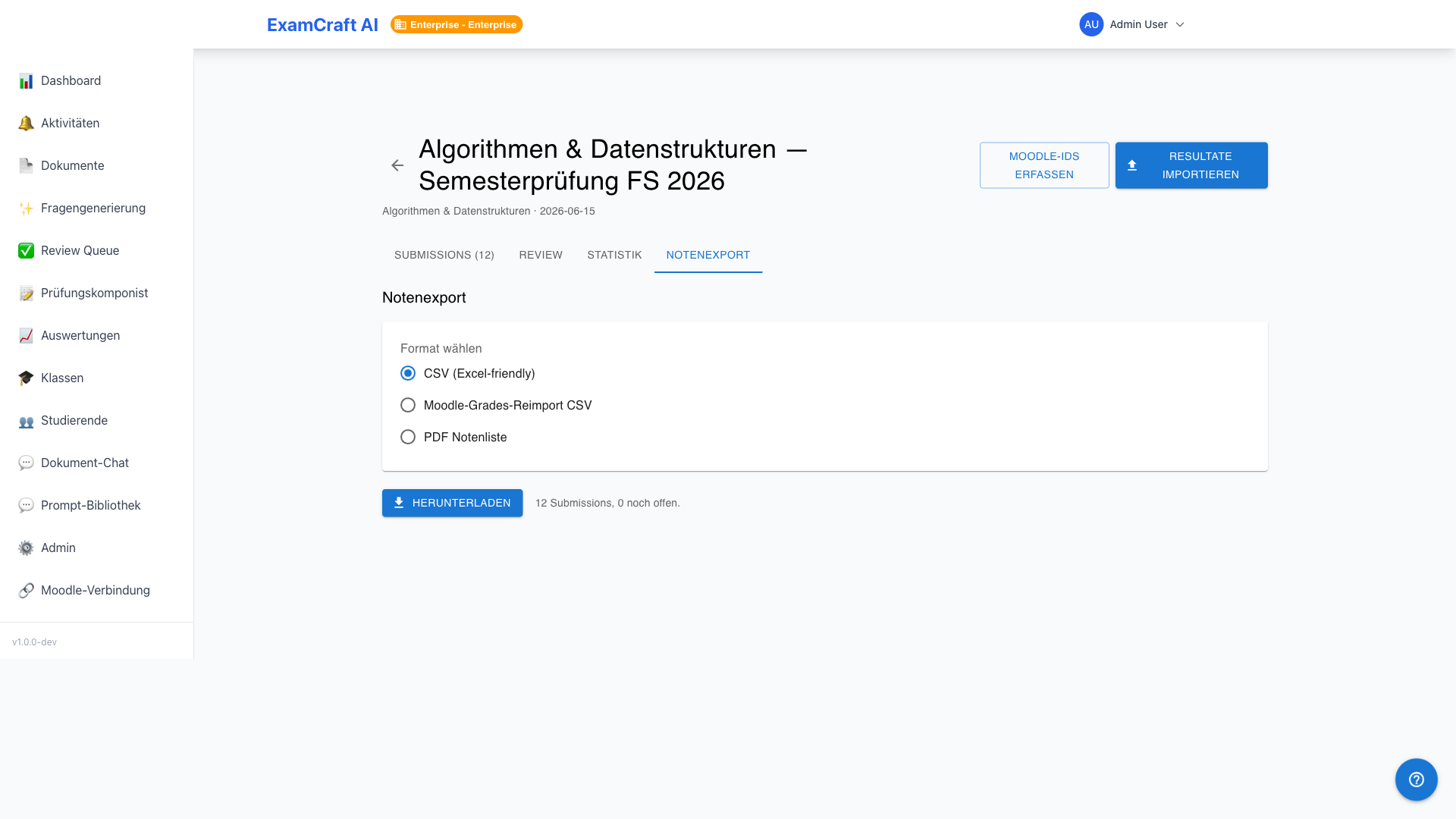
| Format | Use Case |
|---|---|
| CSV (Excel) | UTF-8 with BOM, semicolon-separated — opens directly in Excel (DE locale) |
| Moodle Reimport CSV | Moodle-compatible format for writing grades back to the platform |
| Print-ready grade list with institution header, table, and signature footer |
Performing the Grade Export
- Select the Grading Schema from the dropdown (default: institutional standard)
- Select the Export Format
- The first 5 rows appear as a Preview — check names and grades
- Click Export — the download starts immediately
Block on Pending Reviews
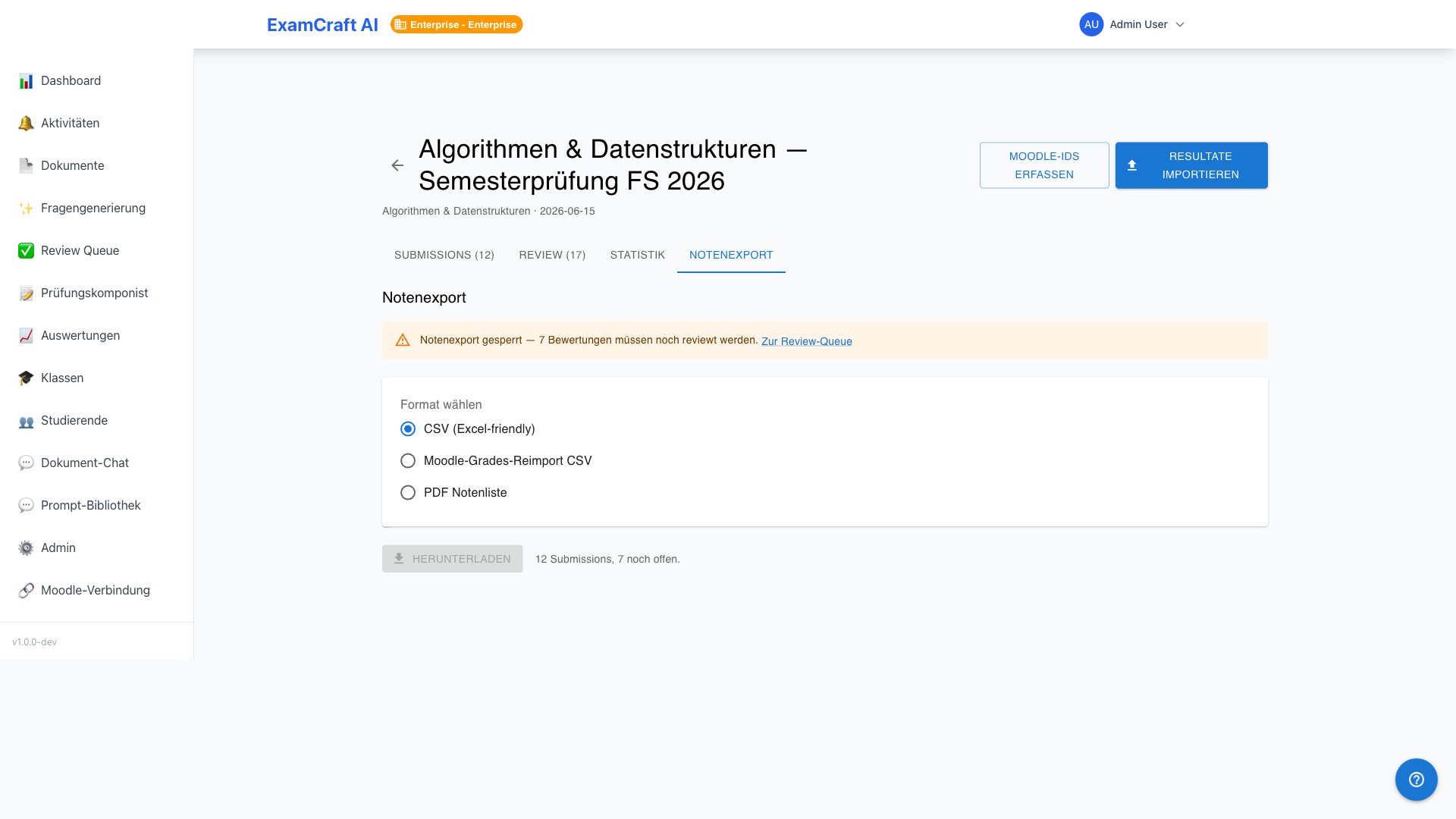
As long as reviews are pending, a yellow notice banner appears with the number of open cases and a direct link to the Review Queue. The Export button is disabled until all submissions have reached the status fully_reviewed.
PDF Content
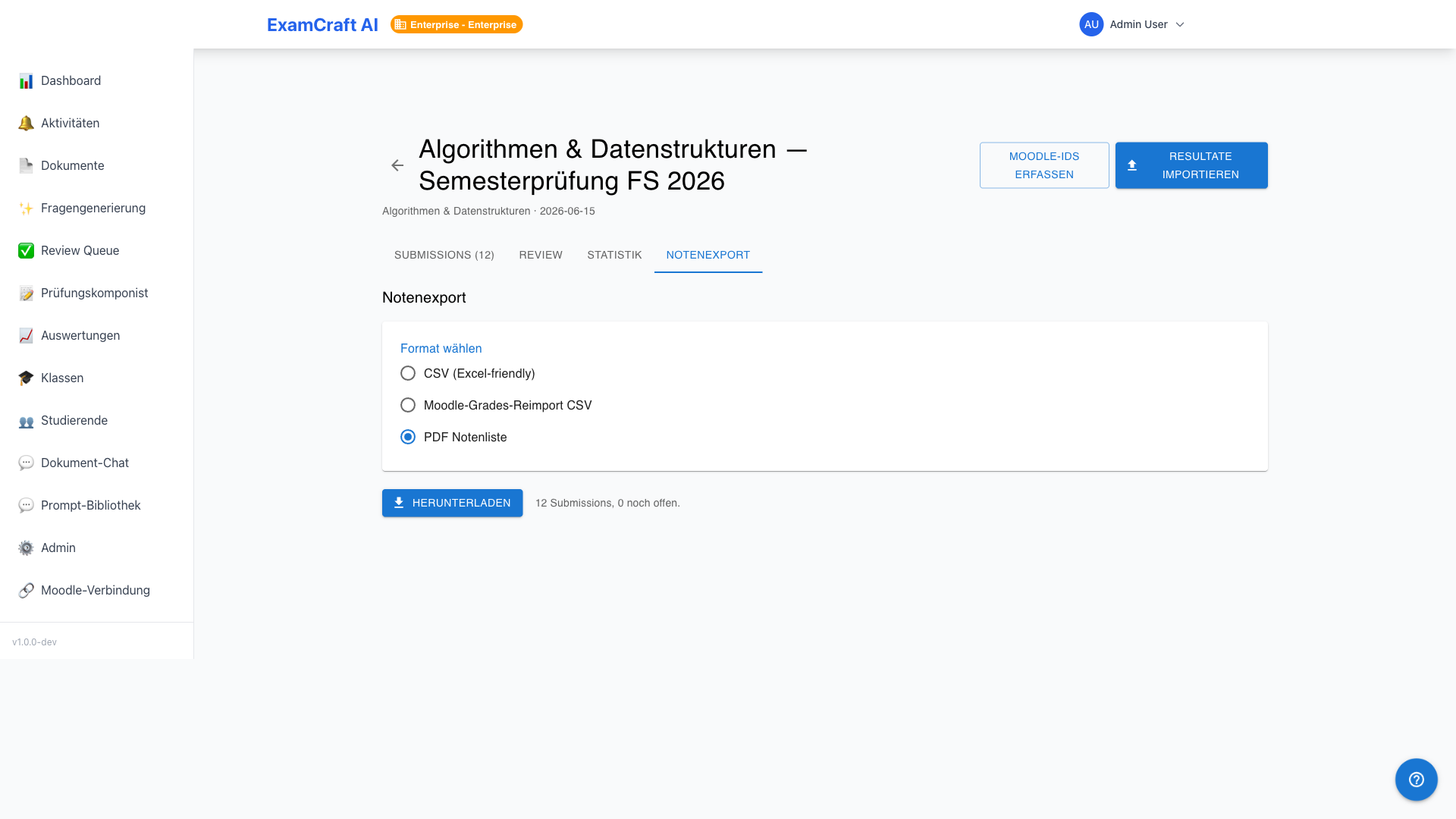
The PDF contains: - Header: Institution name, exam title, date - Grade Table: All students with points, percentage, and grade - Signature Footer: Placeholders for teacher and exam supervisor